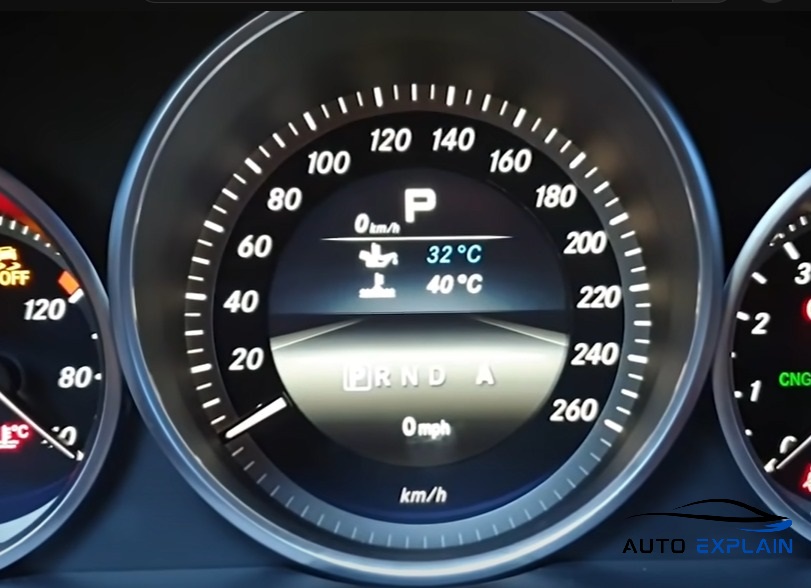

Launch Vediamo and connect to the TCM (e.g., VGSNAG2 or VGSNAG3) using the ECU variant VCD_SCN_Variantkodierung.
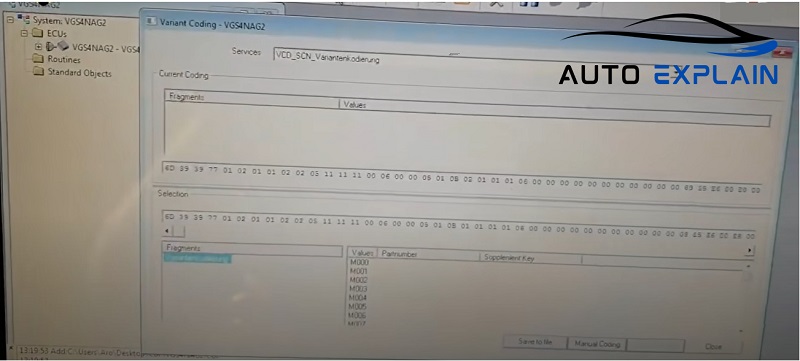
Go to Manual Coding section.
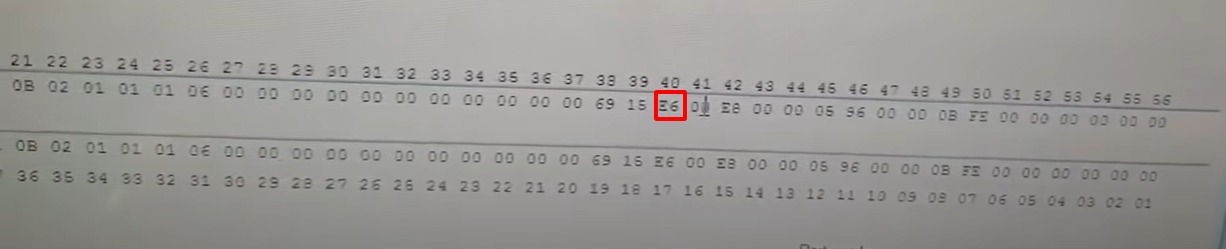
Locate Byte E6 and change its value from E6 to F6. This enables the display and function of A (Active Agility) and M (Manual) modes.
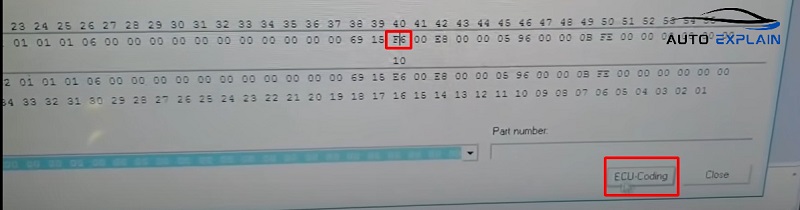
After editing, select ECU Coding to apply the change.
Restart the vehicle and check the gear selector or cluster to verify that A and M modes are now active.